The Photo grammar project uses several digital tools to collect, organize, and display its data. These tools help manage the large number of photographs and allow users to interact with the archive through maps and visualizations.
The tools are used for different parts of the project:
- Getting the data: collecting photographs and metadata from the Library of Congress
- Processing the data: organizing and categorizing the images
- Outputting the data: displaying it through maps, visualizations, and the project website
Example Tool Used in the Project
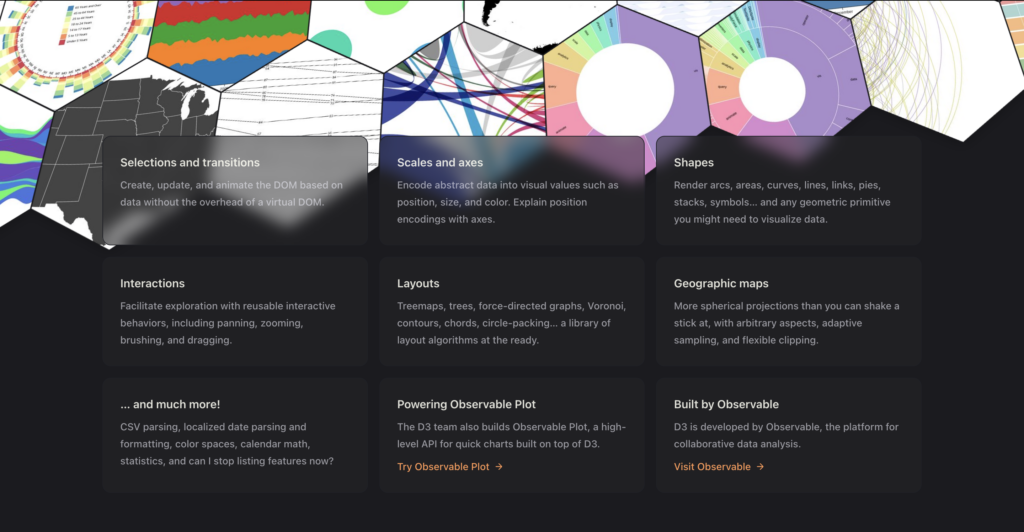
One major tool used in the project is D3.js, a JavaScript library that helps create interactive data visualizations.
Description of the Tool
D3.js is an open-source tool that allows developers to create interactive charts, graphs, and visualizations directly on web pages. It connects data to visual elements so users can explore patterns and relationships.
How the Tool Is Used in Photogrammar
In Photogrammar, D3.js is used to create visualizations that show patterns in the photographic archive. For example, users can explore images through maps or other visual layouts that organize photos by category or location.
This helps users better understand the data instead of just viewing photos individually.
Other Uses of the Tool
Outside of this project, D3.js is widely used in Digital Humanities and data science projects. Researchers use it to create:
- Data visualizations for research projects
- Interactive charts and graphs
- Online dashboards for large datasets
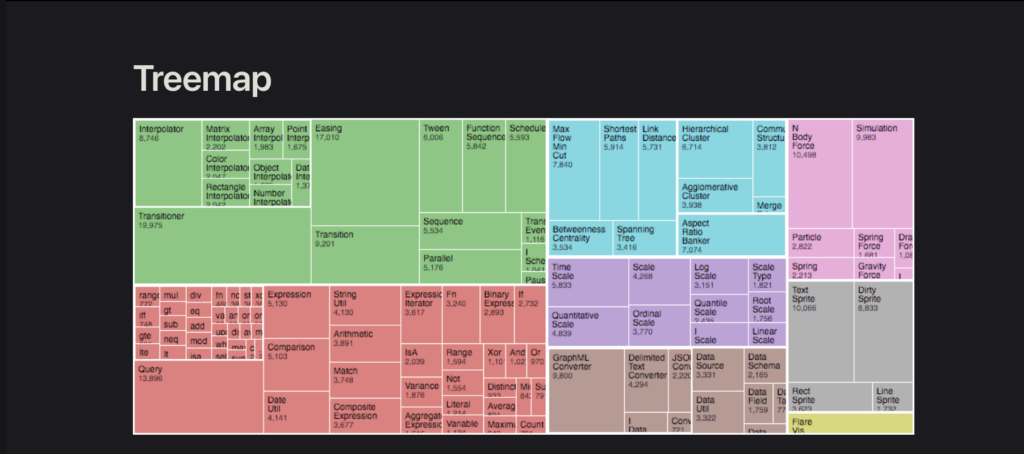
Because of its flexibility, it is a common tool for projects that involve exploring large amounts of information.
Link to Digital Humanities
Using tools like D3.js connects the project to Digital Humanities because it combines humanities research with digital technology. Instead of only studying historical images, the project uses digital methods to analyze and visualize them.
Documentation Assessment
Photo grammar provides information about how its tools and visualizations work. While the explanations are not extremely technical, they give users enough context to understand how the data is organized and displayed.
This Meets best practices because it uses interactive and user friendly tools to make the data accessible and easy to explore.