Critical Step of Linking Text and Images:
- Each visual scene is paired with a narrative explanation to create meaning through comparison, and helps users interpret visual content
- Links to tools and data through image viewer and text system
- Visual data and narrative data
- Core method that makes the project interactive and analytical, not just visual
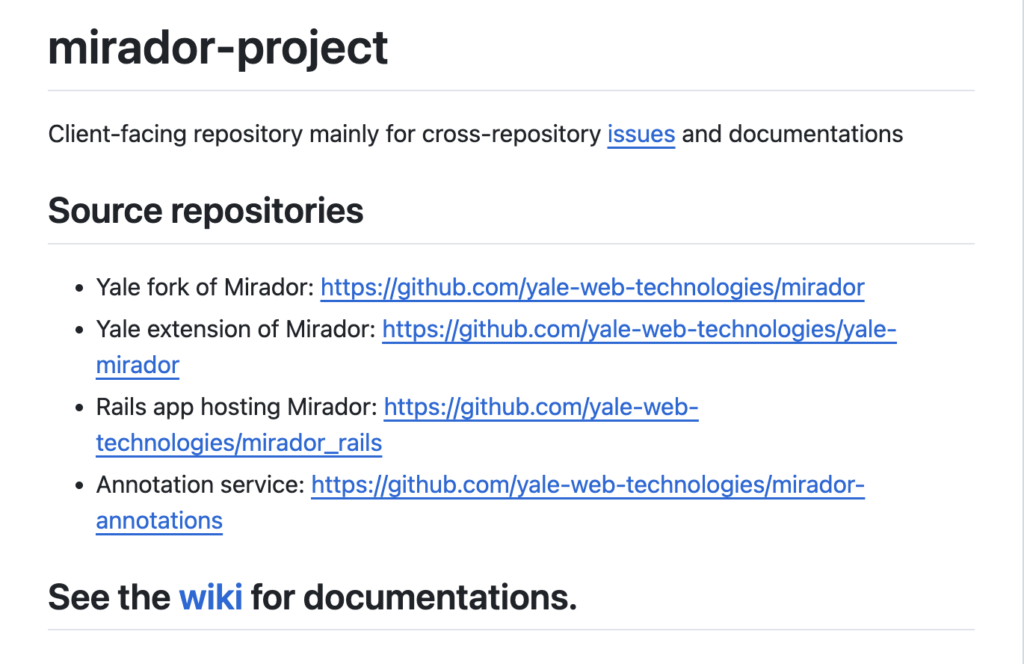
By navigating to Yale’s Mirador and Annotation System, then their Wiki page and User Guide, an Overview of this step is provided.
- First, there is a default window for the images where annotations were added
- These windows can be resized and repositioned
- GIFs showing exactly how to go about this process

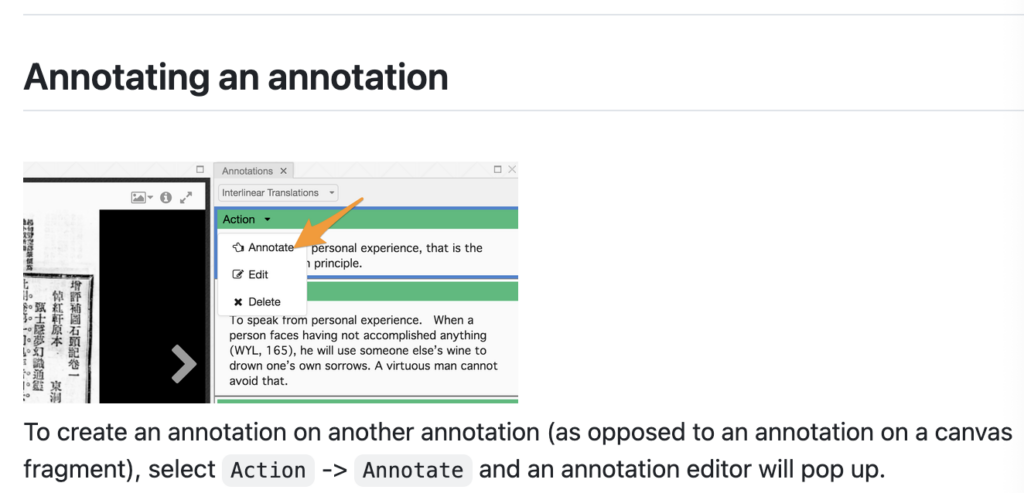
The process explained above textbook DH best practices for documentation and replication as each step of the process is clearly and concisely explained and listed.